
2.1. How do I register a company?
To register a company on the website, click the Register button in the top right corner and follow the instructions to fill in the empty fields regarding the user and the company.
Step 1 – Fill in user information.
_en.png)
Step 2 – Fill in company information.
_en.png)
After registering you will receive a text message (SMS) with a code to the phone number you provided during registration. Enter the code in the field shown below.
_en.png)
Then create a password to access the website.
_en.png)
Please note:
If your company is already registered on the website, the only field you need to fill in is the Unique company code, and the system will fill in all the other fields automatically, connecting you with the said company.
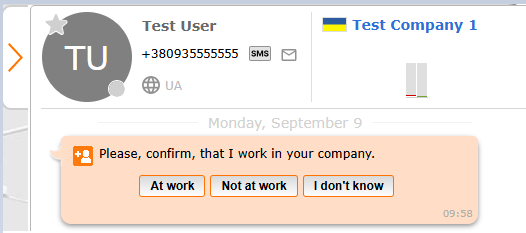
That all company users will receive a notification on Cargo.Messenger asking to verify that said employee is working for their company. A single confirmation is sufficient.