




19.4. How to pass an online test?
To pass the bronze status test, you need to pass user identification.
Please check your data and attach a photo of your ID (passport, driver’s licence etc.). This data is necessary for us to issue a personalized Cargo certificate.
_en.png)
The document should clearly show your photo, name and surname (other data may be blurred).
The specified email address may be used to transfer the certificate to another Cargo account.
If your data is specified incorrectly, please register as a new user or contact a Cargo administrator.
The online test on the website is held under the supervision of a Cargo employee who uses a microphone to communicate and screen share mode.
You can review the information about the test, conditions and technical requirements by clicking the link: Freight Exchange.
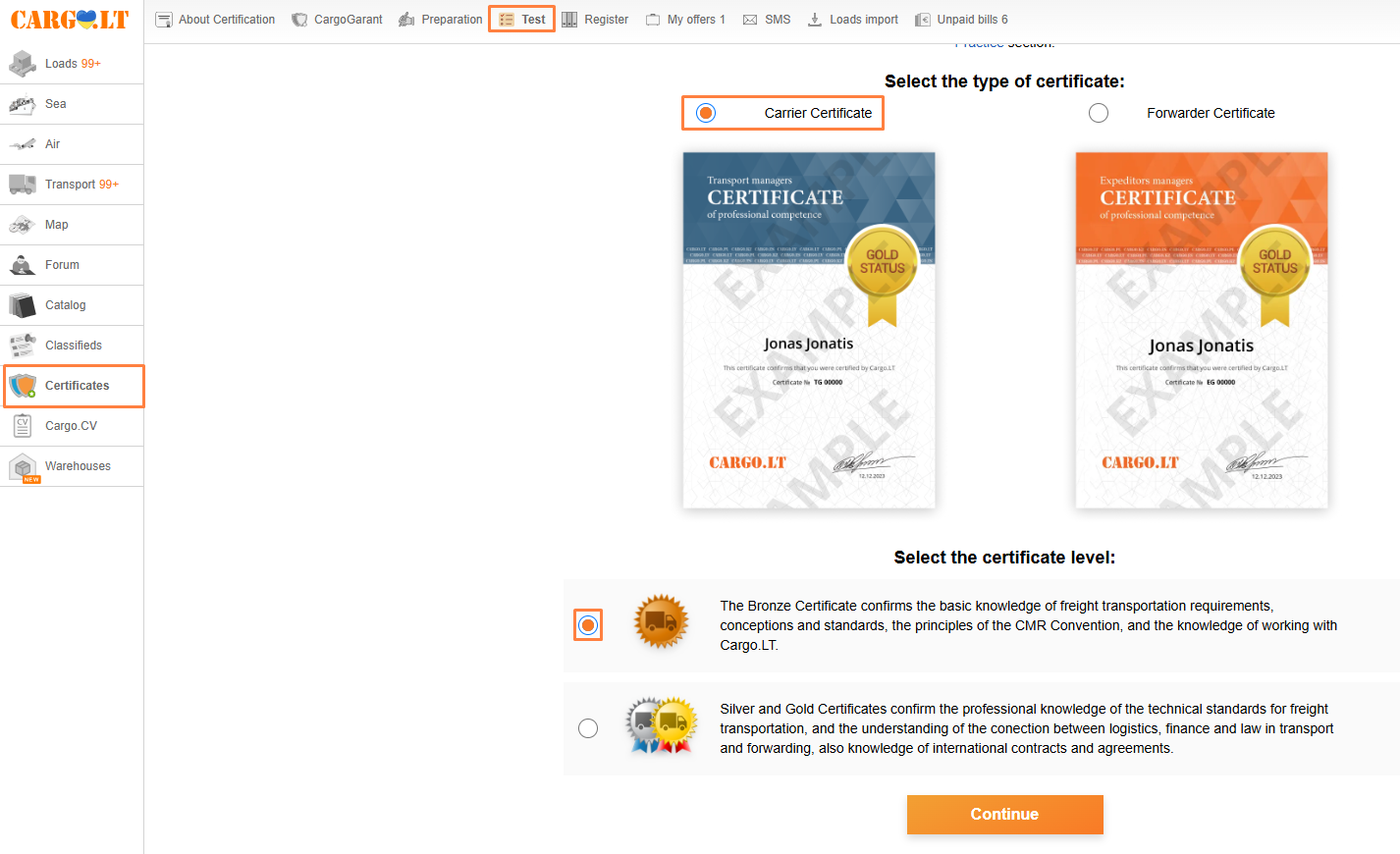
To start a bronze status test, select the certificate type (forwarding or transport manager) on the Test tab of the Certificates section. Then you need to select certification level – bronze status. And then click Continue.
Please note:
The Preparation section can be used to pass a trial test or look through the questions.


