




3.3. How to upload company documents?
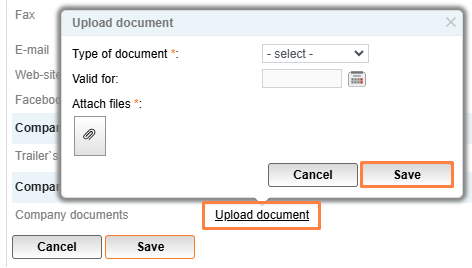
To upload company documents, click on your name in the top right corner, next click User Profile in the Company data section and then click Upload Document.
Fill in the necessary fields in the opened window and select a file to upload. The maximum file size is 3 MB. After selecting the file, press Save.
Types of documents that can be uploaded are CMR insurance, license, registration certificate and, ADR certificate.
Please note:
The company rating will grow by +1 point for each uploaded document (1 point per each type of document).


