




3.1. How to change user data?
To edit your data, click on your name in the top right corner, then click User Profile. Make changes in the User data section and then press Save.
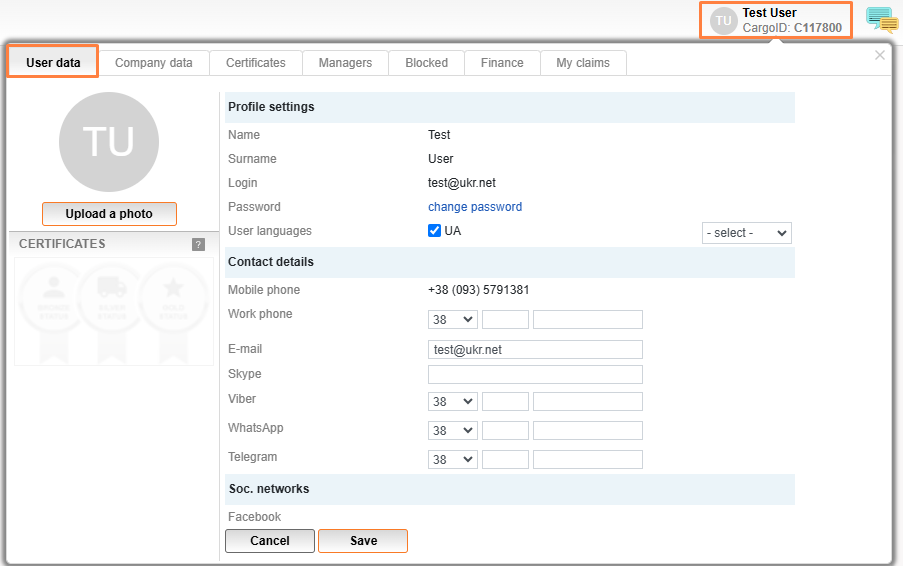
The information that is allowed to be edited by the user is work phone, email, Skype and Viber or WhatsApp.
To change your name, surname, login or mobile phone number, you need to contact the website administrator at info@cargo.lt.


