




9.2. Inquiries
After the display of search results for the direction of your interest, you can send an inquiry to the customer/company by pressing the Send message icon (if the user is online) or (if the user is offline).
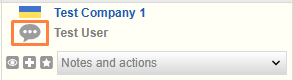
Cargo.Messenger will open. The message field will automatically be filled in with the information about the route and load or truck parameters, as well as your template phrases which are sent with the inquiry by default. Press the icon Send.
_en.png)


