




16.1. How to add a new classified?
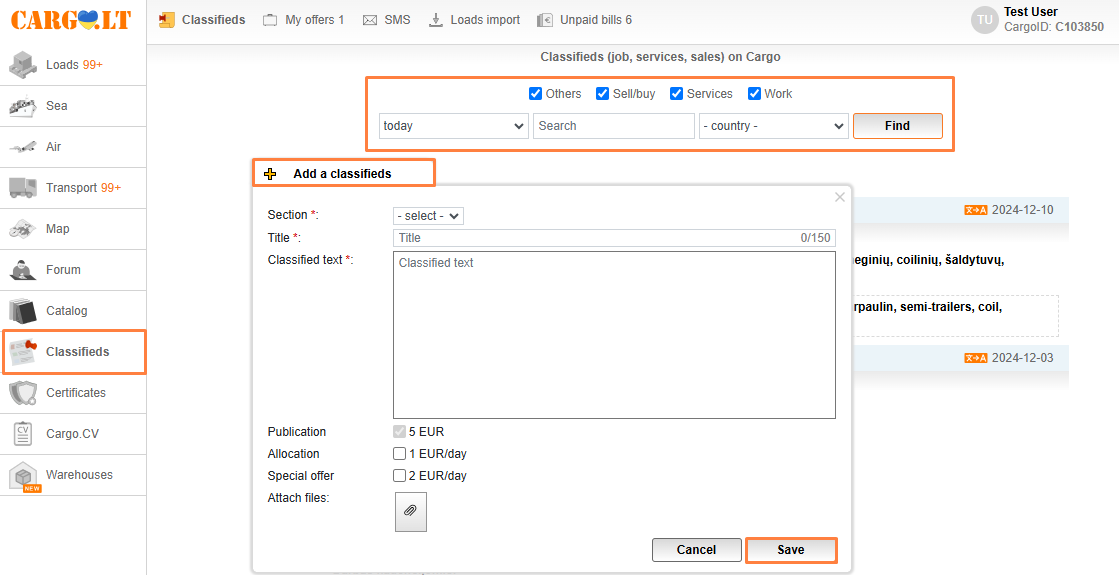
To add an announcement, go to Classifieds and press Add classified. Fill in the information in the opened window, upload files and press Save.
Please note:
You can filter announcements by subjects in this section: selling or buying, other, jobs, services, or by post history (today, 3 days, week, month).
To translate an ad from a foreign language, click the Translate icon.
Banner ads can also be placed on the website. To review fees, click the Advertising link in the bottom right corner of the website.
_en.png)


